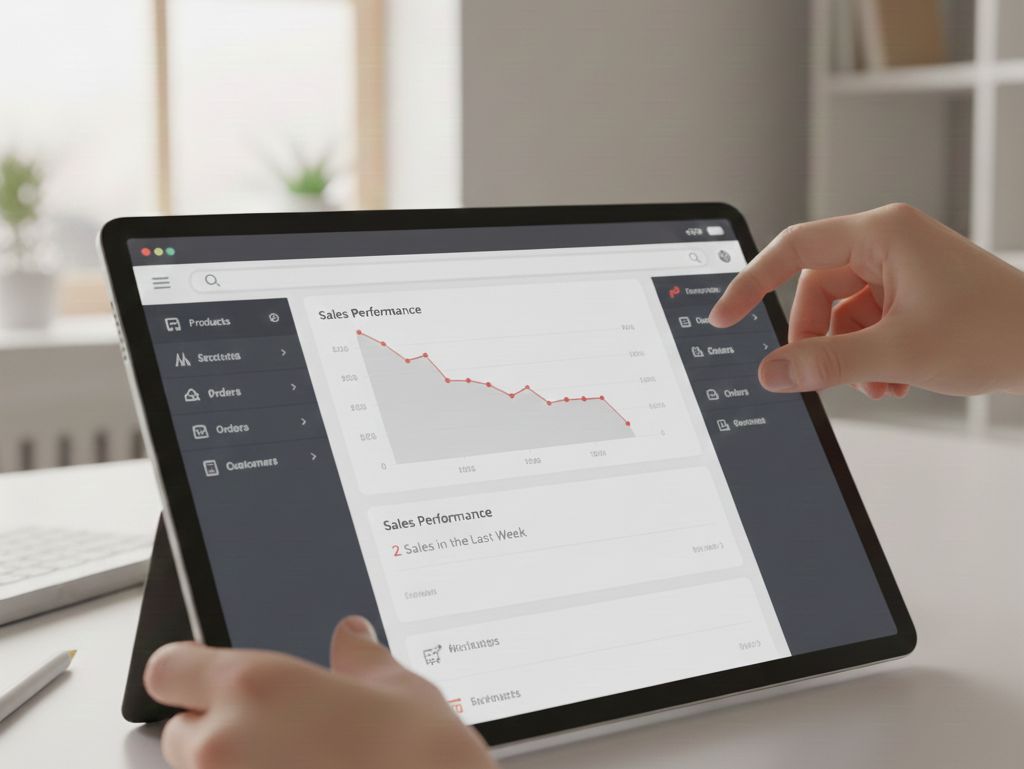
7 Reasons Why
Your Online Store
Isn't Selling
And concrete solutions, tested on Romanian online stores, that help you turn visitors into customers.
You invested in inventory, photographed your products, built your online store. Traffic comes, but sales... not really. Sound familiar? You're not alone. Most online stores in Romania lose customers every day for reasons that can be fixed within a few weeks.
After analyzing more than 50 Romanian e-shops over the past few years and implementing optimizations that increased conversions by 40-200%, we identified 7 problems that keep showing up. The good news? They all have concrete solutions.
Too Slow Loading
(Over 3 Seconds = Lost Money)
📊 The Reality in Romania:
53% of mobile users abandon a site that takes more than 3 seconds to load. In Romania, where many people buy from their phone on the way home, every extra second means losing up to 7% of potential sales.
Why It Happens:
- → Unoptimized images: 5MB photos straight from a DSLR, with no compression
- → Cheap hosting: overcrowded shared servers with 200+ sites on the same server
- → Too many plugins: 30+ WordPress extensions fighting each other
- → No CDN: all files load from a single server in Bucharest
✓ The Concrete Solution
Real impact:
A client from Timișoara cut load time from 8.2s to 1.9s. Result: +34% conversions in the first month.
Complicated Checkout Process
(Too Many Steps = Abandonment)
📊 Critical Statistic:
For every extra field in the form, you lose an average of 4-5% of buyers. A checkout with 15 mandatory fields can have abandonment rates of 80-90%.
Common Mistakes:
- → Mandatory account: you force users to create an account before buying
- → Long form: you ask for CNP, tax ID, registration number, 3 phone numbers
- → No guest checkout: there's no "Buy without an account" option
- → Too many pages: 4-5 separate steps between cart and confirmation
- → Hidden costs: shipping fees only appear at the last step
✓ The Perfect Checkout Formula for Romania
Success example:
An online store in Cluj cut checkout from 5 pages (19 fields) to 3 pages (8 fields). Cart abandonment dropped from 76% to 54% in 3 weeks.
Missing Trust Elements
(Why Should I Give You My Money?)
🔒 The Romanian Context:
87% of Romanians check reviews before buying online. 64% won't complete an order if they can't find clear return information. Trust signals = the difference between "maybe later" and "buy now".
What's Usually Missing:
Legal Information
- → Missing tax ID and registration number
- → Vague or nonexistent contact
- → No clear terms and conditions
Social Proof
- → Zero visible reviews
- → No ratings on products
- → No press mentions
Clear Policies
- → Undefined or hidden returns
- → Unclear warranty
- → Shipping costs not disclosed
Payment Security
- → No visible SSL certificate
- → Sketchy payment methods
- → No mention of security
✓ Trust Signals Checklist (Mandatory)
📄 Legal Transparency
⭐ Social Proof
🔄 Pro-Customer Policies
🔒 Security
💡 Pro Tip:
Add a live chat (Tidio, LiveChat, even a WhatsApp widget). Knowing they can ask someone increases trust by 23% and conversions by 15-20%.
Weak Product Photos
(The First Impression Is the Last One)
📸 Visual Statistic:
93% of purchase decisions are influenced by visual appearance. A weak photo = losing 40-60% of conversions on the product page. You can't sell what you can't show well.
Deadly Visual Mistakes:
Phone Photos
Bad lighting, messy background, wrong focus, washed-out colors
A Single Image
The customer wants to see the product from all angles, details, usage
Catalog Photos
Generic images from the supplier that 50 other stores also have
Photo Standards for Romanian E-Commerce:
- → 5-7 photos per product
- → Resolution: at least 1500x1500px
- → White or neutral background
- → Consistent, professional lighting
- → 360° zoom or product video
- → Lifestyle photos (product in use)
- → Scale reference (visible dimensions)
- → Close-up details (texture, material)
✓ Quick Guide: Product Photos That Sell
Budget Setup (200-500 RON initial investment):
The Shooting Formula (step by step):
Same background, same lighting, same angle for all products in the same category
- → Front view (the most important)
- → Side view / Profile
- → Back view
- → Top view / Details
- → In-use / Lifestyle (if applicable)
❌ Don't:
- → Visible watermark on photos
- → Promotional text on the image
- → Instagram filters
- → Weird crops or distorted ratios
✅ The Pro Alternative:
If you have 50+ products or no time: hire a product photographer at 30-80 RON/product (Oradea/Cluj: search on Hubster or OLX).
The investment pays off in 1-2 months from the conversion growth.
Generic Product Descriptions
(Copy-Pasted From the Supplier)
✍️ The Reality:
20% of buyers read the entire description. 78% scan for key information. A good description answers questions, removes objections, and convinces. A weak description... is invisible.
❌ WEAK Description (99% of Romanian stores):
"Men's sports shoes. Quality textile material. Rubber sole. Available in several colors. Original product. Order now!"
→ Generic, no personality, doesn't answer any real question
✅ GOOD Description (sells 40% more):
"Urban running shoes - daily comfort on the streets of Cluj"
Superior breathable mesh (your feet breathe even after 10km), EVA sole with impact absorption (your knees will thank you), non-slip grip tested on wet cobblestones.
→ Clear benefits, specific details, real usage context
✓ Product Description Template (Easy to Adapt)
[Product Name] - [Main Benefit in 5-7 words]
Why is it special? What problem does it solve?
✓ [Feature] → [Concrete benefit for the customer]
✓ [Feature] → [Concrete benefit for the customer]
✓ [Feature] → [Concrete benefit for the customer]
No: "Durable material" | Yes: "Stain-resistant, easy-to-clean material (ideal for families with kids)"
Dimensions: [exact, in cm]
Material: [specific, not "premium quality"]
Available colors: [clear list]
Weight: [if relevant]
Q: Suitable for [specific use case]?
A: [Short, concrete answer]
📝 Copywriting Rules:
🎯 SEO Optimization (Bonus):
💡 Quick Hack:
Read your competitors' reviews (Amazon, eMAG) for similar products. Customers tell you exactly what they want to know and what benefits they're looking for. Work those into your description.
Disastrous Mobile Experience
(70% of Traffic Comes From Phones)
📱 Critical Statistic for Romania:
In 2024, 72% of Romanian e-commerce traffic comes from mobile. If your site doesn't work perfectly on a phone, you lose 7 out of 10 potential customers. Mobile-first isn't optional - it's survival.
Fatal Mobile Errors:
🚫 UI/UX Issues:
- → Buttons too small (under 44x44px = impossible to tap)
- → Text too small (under 16px = requires zoom)
- → Complicated hamburger menu with 3 levels
- → Intrusive pop-ups over all the content
- → Forms with misaligned inputs or no autocomplete
⚠️ Performance Issues:
- → Load time >5 seconds on 4G
- → Unoptimized images (3-5MB per photo)
- → Autoplay videos that burn mobile data
- → No lazy loading for images
- → Too many HTTP requests (50+ resources)
💳 Checkout Issues:
- → Form too long (scrolls 3-4 screens)
- → Keyboard covers the active fields
- → No autofill for addresses/card
- → Wrong validation (blocks user input)
- → "Complete order" CTA invisible/blocked
🔍 Navigation Issues:
- → Non-functional or too slow search
- → Product filters hard to access
- → Pagination instead of infinite scroll
- → Category menu too deep (3+ levels)
- → Going back to desktop = lost progress
✓ Mobile-First Optimization Checklist
1️⃣ Design & Layout:
2️⃣ Mobile Performance:
3️⃣ Mobile-Optimized Checkout:
Correct Input Types (IMPORTANT!):
4️⃣ Mandatory Testing:
📊 Real Result:
An electronics shop in Bucharest reoptimized its mobile experience (just UI/UX + performance). Mobile conversion rate: from 1.2% to 2.8% in 6 weeks. Zero changes to prices or products.
Missing Remarketing Strategy
(96% Leave Without Buying)
🔄 The Brutal Reality:
Only 2-4% of visitors buy on their first visit. 96% leave. Without remarketing, the money invested in traffic (Google Ads, Facebook Ads, SEO) evaporates. Remarketing recovers 15-30% of those who left.
Why Stores Lose Customers:
No Email Capture
Visitor leaves = contact lost forever
Ignored Abandoned Cart
68% abandon their cart, but no one sends them a reminder
Zero Retargeting Ads
They don't appear again in visitors' Facebook/Instagram feed
Customer Journey Reality in Romania:
→ Decision cycle: 3-7 days on average for products over 200 RON | 1-3 days for products under 100 RON
✓ The Complete Remarketing System (Step by Step)
1 Email Capture (Exit Intent)
2 Abandoned Cart Recovery
3 Facebook/Instagram Retargeting
4 Google Remarketing (Display + Search)
📊 Estimated ROI (Typical Romanian Store):
🎯 Quick Start (Budget <500 EUR/month):
- Week 1: Set up exit-intent + email tool
- Week 2: Abandoned cart flow (3 emails)
- Week 3: Facebook Pixel + first retargeting campaign
- Week 4: Optimize + scale what works
✅ Real Case:
Fashion store in Brașov, 50K visitors/month, 2.1% conversion. After full remarketing setup (2 months of implementation): +18,000 EUR in revenue recovered from abandoned carts + retargeting. Total investment: 800 EUR setup + 250 EUR/month tools + 600 EUR/month ad spend.
What Now?
Implementation
We've analyzed 7 major problems. Each one on its own can halve your conversions. Together, they explain why your store sells 50-70% less than it could.
Your 90-Day Plan:
- → Speed optimization (Problem 1)
- → Trust signals (Problem 3)
- → Mobile basic fixes (Problem 6)
- → Rewrite descriptions for top 20 products (Problem 5)
- → Professional photos (Problem 4)
- → Simplify checkout (Problem 2)
- → Full remarketing setup (Problem 7)
- → Email automation flows
- → Facebook + Google retargeting ads
Need Help?
We build online stores optimized for conversions, not just "pretty" ones. Every element is designed to sell - from the code to the copy.
Web Design & E-Commerce Development | Oradea, Romania
Specialized in NIS2, WCAG, GDPR-compliant solutions